Support · 4 min read · November 5, 2026
How to Change Your TikTok Email: Easy Step-by-Step Guide
Learn how to change your TikTok email the easy way. Follow our step-by-step guide to safely update your account and avoid losing access to your profile.
Learning how to change your TikTok email is essential to keep your account secure. Whether you switched email addresses or lost access to your old inbox, updating this info prevents headaches down the road. The process is completely free, takes less than two minutes, and can be done right from the mobile app.
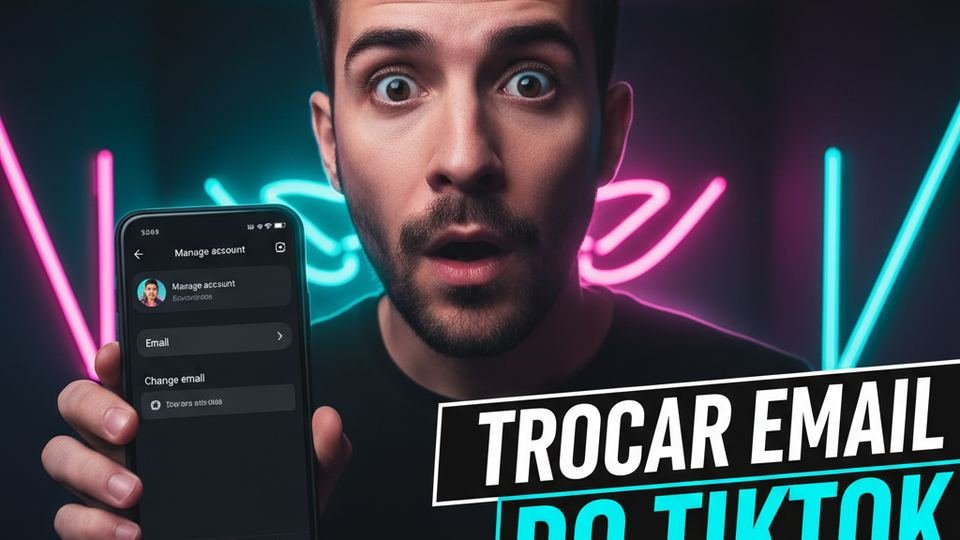
⚡ Quick summary: To change your address, go to your Profile, tap the top menu, go to Settings and privacy, tap Account, select Account information, and tap Email to update it.
Step-by-step guide to changing your TikTok email
The exact path in the app may vary slightly depending on your device or TikTok app version. However, the navigation remains virtually the same on almost all systems. Follow these steps:
- Open the app and tap the Profile icon in the bottom-right corner.
- Tap the three-line menu button in the top-right corner of the screen.
- Select Settings and privacy from the menu that appears.
- Tap on Account.
- Select Account information (on some app versions, this may appear as Account details).
- Tap the Email field to view the current address linked to your profile.
- Tap Change email.
- TikTok will ask for a security verification. Enter the six-digit code sent to your current email address or linked phone number.
- Enter your new email address and tap Send code.
- Open your new email inbox, copy the verification code you received, enter it in the app, and confirm.
💡 Tip: Before starting, open your new email app on your phone so you can grab the verification code as soon as it arrives, before the timer expires.
What to do if you no longer have access to your old email
Many people need to change their TikTok email precisely because they lost access to their old email account. If that's your situation, the process is slightly different during the security verification step.
When the app asks for the code sent to the email you can no longer access, look for alternative options on the screen. For many accounts, TikTok offers options like Can't access this email? or Use another method.
If you have a phone number linked to your account, you can receive the code via text message (SMS). If you don't have any backup method set up, you will need to contact TikTok support to verify that the account belongs to you.
⚠️ Warning: Never share your six-digit verification codes with anyone, as they grant full access to change your account password and details.
Why knowing how to change your TikTok email is important
Your linked email address is the main key to your digital security on the platform. When you know how to change your TikTok email, you unlock essential benefits:
- Guaranteed password recovery: if you forget your login info, the reset link will go straight to an inbox you actually control.
- Security alerts: TikTok sends warnings whenever someone tries to log into your profile from an unrecognized device.
- Two-factor authentication: you can use your updated email as an extra security layer to keep hackers out.
- Better organization: it allows you to separate your personal account from a business email used for brand deals or work.
Automate your messages and grow your profile
Now that your account is secure with the right email, you can create content without worrying about losing your profile. As your videos gain views, your comments and direct messages can quickly multiply.
Replying to everyone manually takes a lot of time. To streamline your workflow, you can use TTNinja. It's a free tool designed for creators and brands that automatically replies to TikTok comments and DMs with your links. This way, you can engage with followers instantly, promote products on autopilot, and keep your profile active around the clock.
Official sources
Frequently asked questions
Can I use the same email for two different accounts?
No. TikTok's official policy only allows one email address per active profile.
Is my new email visible to my followers?
No. The email address in your account settings is private. It is only used for security, logging in, and notifications from TikTok.
How long does it take for the new email to take effect?
The change is immediate. As soon as you verify the six-digit code, the new address becomes the official email for your account.
What should I do if the verification code doesn't arrive?
Check your email's spam or junk folder. If you still don't see it, wait for the countdown timer in the app to expire and tap resend code.